Repo fuente
De dónde sale la data
clawin-agents public repository
Esta página es la capa de documentación del catálogo público de Clawin. Sirve para entender cómo se organiza el repositorio, qué contiene cada paquete y cómo debe funcionar el flujo de release / instalación.
clawin-agents public repository
El sitio público, las páginas de paquetes y los ejemplos de instalación de abajo apuntan a este release publicado del catálogo.
https://agents.clawin.club/releases/2026-03-18-p6-full-catalog-1395-agent/catalogs/published/catalog.json
Clawin ahora soporta una ruta chat-first y otra directa por ID conocida. La guía de instalación explica ambas con claridad.
Abrir guía de instalaciónEl resumen del repositorio explica qué es Clawin, para quién es y cómo se diferencia el catálogo público de una librería de prompts.
Ir al resumenEl contrato del paquete describe la estructura de carpetas, bundled skills, archivos de config y qué cuenta como salida install-ready.
Ir al contratoDebajo verás el README del repositorio con enlaces reescritos para que funcionen dentro del sitio.
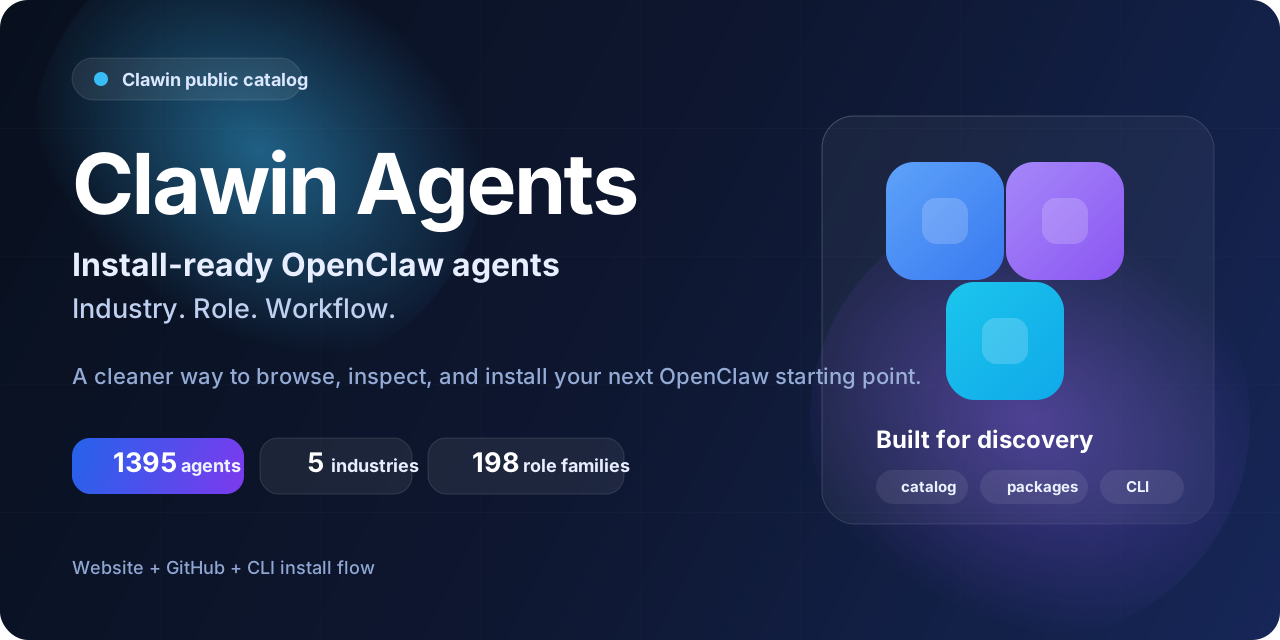




Skip the blank workspace. Start from a structured package.
Clawin is a public catalog of install-ready OpenClaw agents organized by industry, role, and real-world workflows. Browse the catalog, inspect structured packages, and install a faster starting point instead of building every agent from scratch.
New: Start by chat when you do not know the right agent yet — let Clawin help you find the best match before you install.








| 1395 install-ready agents |
5 industries |
198 role families |
Website + GitHub + CLI one connected flow |
TL;DR
- Discover OpenClaw agents by industry, role family, and workflow
- Start by chat if you need help choosing the right package
- Inspect what a package includes before you install it
- Start from a structured package instead of raw prompts or a blank workspace
- Use the Clawin website + catalog + CLI as one connected discovery-to-install flow
| Pillar | Why it matters |
|---|---|
| Install-ready, not prompt-only | Each package is more than a role idea or isolated prompt snippet |
| Organized for discovery | Browse by industry, role family, and agent identity instead of guessing |
| Faster than building from scratch | Start from a structured package and adapt locally |
| Built as a connected system | Website + GitHub catalog + CLI create one browse-to-install flow |
Clawin is designed to be useful before install, during evaluation, and when users are ready to activate a first agent.
| Audience | Why Clawin fits |
|---|---|
| OpenClaw users | You want a faster starting point than building agents from scratch |
| Developers and technical teams | You want to explore role-based agent setups with real package structure |
| Operators, researchers, and business teams | You want workflow-specific packages, not random prompt fragments |
| GitHub resource collectors | You want a catalog worth starring now and revisiting later |
Clawin is not a generic no-setup AI app. It is built for users who want installable OpenClaw agent packages and a clearer path to choosing among them.
Star this repo if you want a reusable OpenClaw resource that helps you:
| Reason | Value |
|---|---|
| Track the catalog | Follow how the public Clawin catalog expands over time |
| Bookmark structured packages | Revisit install-ready starting points when a new need appears |
| Compare before installing | Inspect real package structure instead of abstract descriptions |
| Keep a strong OpenClaw resource handy | Useful even before you install anything |
If you are not sure where to begin, use one of these routes.
| Route | Best for | Start here |
|---|---|---|
| Developer starting point | JS/TS, frontend performance, Core Web Vitals | software-it-web-performance-engineer-js-ts |
| Financial research starting point | Company research and structured analysis workflows | financial-research-company-research-analyst |
| Growth and marketing route | Strategy, attribution, paid media, SEO-oriented roles | Digital Marketing Agency |
| Content platform route | Moderation, creator ops, policy, risk, platform-product workflows | Content Media Platform |
| Full catalog route | Users who want breadth first | Browse all agents |
Large catalogs become easier to love when users can begin from a clear theme, not a blank list.
If you do not know the right agent ID yet, the best first path is now chat-first discovery.
Instead of asking users to guess from a large catalog, Clawin can now help narrow the options before installation.
clawhub install clawin-agent-match-installnpm install -g agents.clawinclawin initclawin catalog refresh --catalog https://agents.clawin.club/releases/2026-03-18-p6-full-catalog-1395-agent/catalogs/published/catalog.jsonFind me a Clawin agent for frontend performance work and install the best match.| Highlight | Why it matters |
|---|---|
| 1395 install-ready agents | Real catalog depth and strong bookmark value |
| 5 industries / 198 role families | Structured browsing instead of random sprawl |
| Website + catalog + CLI | Discovery, inspection, and install in one system |
| Self-contained package shape | More than a role name or prompt fragment |
| Release-scoped publishing | Catalog growth is visible and easier to communicate |
Use Clawin when you want to:
Clawin now supports two practical install starts:
clawhub install clawin-agent-match-install
npm install -g agents.clawin
clawin init
clawin catalog refresh --catalog https://agents.clawin.club/releases/2026-03-18-p6-full-catalog-1395-agent/catalogs/published/catalog.json
Then ask in chat for the kind of agent you need, confirm the best match, and install it.
npm install -g agents.clawin
clawin init
clawin catalog refresh --catalog https://agents.clawin.club/releases/2026-03-18-p6-full-catalog-1395-agent/catalogs/published/catalog.json
clawin info software-it-web-performance-engineer-js-ts
clawin install software-it-web-performance-engineer-js-ts --allow-main
clawin status software-it-web-performance-engineer-js-ts
software-it-web-performance-engineer-js-tsfinancial-research-company-research-analystFor the full step-by-step flow, see INSTALL.md.
| Start from scratch | Start from Clawin |
|---|---|
| Begin with a blank workspace | Begin with a role-specific starting point |
| Create package structure manually | Use a packaged folder shape designed for install |
| Gather skills and docs separately | Start with bundled package materials |
| Spend time deciding what to include | Inspect a concrete package first |
| Harder to compare options | Browse a structured public catalog |
Clawin is not a replacement for local configuration or good judgment. It is a better starting point.
Each published package is expected to be a directly shareable OpenClaw agent folder.
| Package element | Why it exists |
|---|---|
README.md |
Explains the role and package intent |
INSTALL.md |
Gives install and local follow-up guidance |
PACKAGE.json |
Defines package metadata |
workspace/ |
Contains role-specific workspace materials |
workspace/skills/ |
Bundles required role-specific skills when needed |
config/ |
Includes install-oriented config material |
Clawin packages are intentionally self-contained. If an agent depends on skills to do its job well, those required skills stay bundled with the package even when similar capabilities appear elsewhere in the catalog.
That makes Clawin different from:
Formal contract:
| Metric | Value |
|---|---|
| Industries | 5 |
| Role families | 198 |
| Install-ready agents | 1395 |
| Current public release | 2026-03-18-p6-full-catalog-1395-agent |
industry-1-software-it — 394industry-3-marketplace-ecommerce — 355industry-4-digital-marketing-agency — 283industry-5-content-media-platform — 311industry-6-financial-research — 52For the full role-family and per-agent listing, see CATALOG.md.
Yes. Clawin is built for users who already have, or plan to use, an OpenClaw environment.
These are install-ready agent packages for OpenClaw, not just raw prompts.
Yes. Provider API keys, local environment setup, recipient bindings, and other machine-specific choices stay local.
Yes. You can browse the website catalog, inspect repository package folders, or read CATALOG.md before choosing anything to install.
A good default software path is:
software-it-web-performance-engineer-js-tsA good default research path is:
financial-research-company-research-analyst| This repo is | This repo is not |
|---|---|
| A public output catalog for Clawin | The private production pipeline |
| A place to browse ready-to-install OpenClaw agents | A dump of raw role-source documents |
| A resource for choosing a specialist package by role and domain | A repo for internal review queues or private run logs |
| A public install surface for published packages | A record of production environment details |
categories/<industry-id>/agents/<role-family-key>/<agentId>/
This repository intentionally stays simple:
categories/ — public install-ready agent packagesdocs/ — public packaging contractClawin uses a private-source / public-output split:
That keeps the public catalog clean while allowing the private production system to continue evolving.
Browse the full catalog → · Read the install guide → · Visit the website → · Star this repo →
Repository-level Clawin-authored catalog materials are released under Apache License 2.0.
Because some published packages include bundled skills and embedded upstream components, also read:
If a bundled component ships with its own license file or origin metadata, treat that component according to its own terms.
Este es el contrato a nivel de paquete que mantiene al catálogo público install-ready y autocontenido.
This document defines the expected shape of a release-ready Clawin agent folder package.
Each fine-grained role package in the repository should be directly shareable as a folder and also package cleanly into a release zip without changing package internals.
categories/<industry-id>/agents/<role-family-key>/<agentId>/
<agentId>/
  README.md
  INSTALL.md
  PACKAGE.json
  workspace/
    README.md
    SOUL.md
    IDENTITY.md
    USER.md
    AGENTS.md
    PLAYBOOK.md
    TOOLS.md
    HEARTBEAT.md
    skills/
  config/
    entry.json
    snippet.json
    SECRETS.md
~/.openclaw/agents/<agentId>/ as the target install path.workspace/skills/ so the package remains self-contained.Preferred layout for new and regenerated packages:
config/entry.jsonconfig/snippet.jsonDuring the legacy transition window, repository tooling may also accept:
config/openclaw.agent.<agentId>.entry.jsonconfig/openclaw.agent.<agentId>.snippet.jsonA release-ready package should provide:
agents.listworkspace and agentDir install pathsA release-ready package should not include:
The package must be installable by copying the folder and merging the config entry, with only recipient-specific secrets left to fill.
The same package must also remain installable after zip packaging for release output generation.
A package passes the shareable-folder contract only if:
workspace/skills/config/entry.json) and wrapper snippet (config/snippet.json) both exist